How RACI works
RACI shows who does the work, who owns the result and who needs to be involved. Enforcium uses the same four roles for tasks, objectives, key results, KPIs and metrics.
| Role | Who it is | Example for the task Launch new pricing page |
|---|---|---|
| R: Responsible | Does the work. There can be several. | Product Designer |
| A: Accountable | Owns the final result. | Head of Marketing |
| C: Consulted | Gives input before decisions or key steps. | Product Manager |
| I: Informed | Is kept up to date on progress and the result. | CEO |
Where you assign roles
Roles are set in the Ownership field when you create or edit an item. Responsible and Accountable are required.
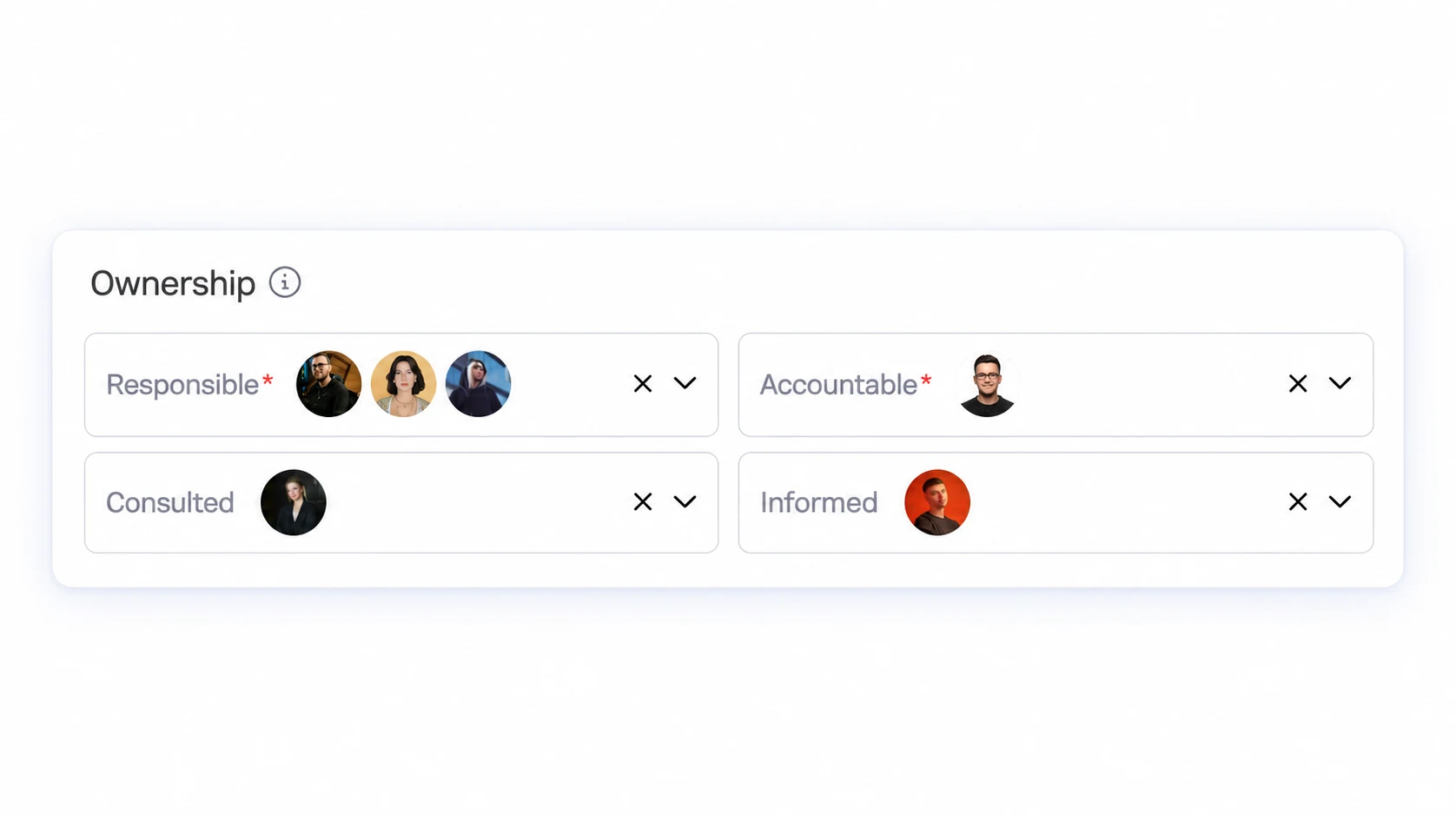
- Tasks: a simple task may have one Responsible and one Accountable person. A bigger one adds Consulted and Informed participants.
- Objectives and key results: for Launch the company in the German market, Responsible is the Market Expansion Lead, Accountable is the COO, Consulted are the Heads of Marketing and Sales, Informed is the CEO.
- KPIs: the Responsible role can only go to positions that have access to the KPI's metric.
- Metrics: each metric has an Accountable position and Responsible positions, set in the Metrics Tree.
Seeing your own role
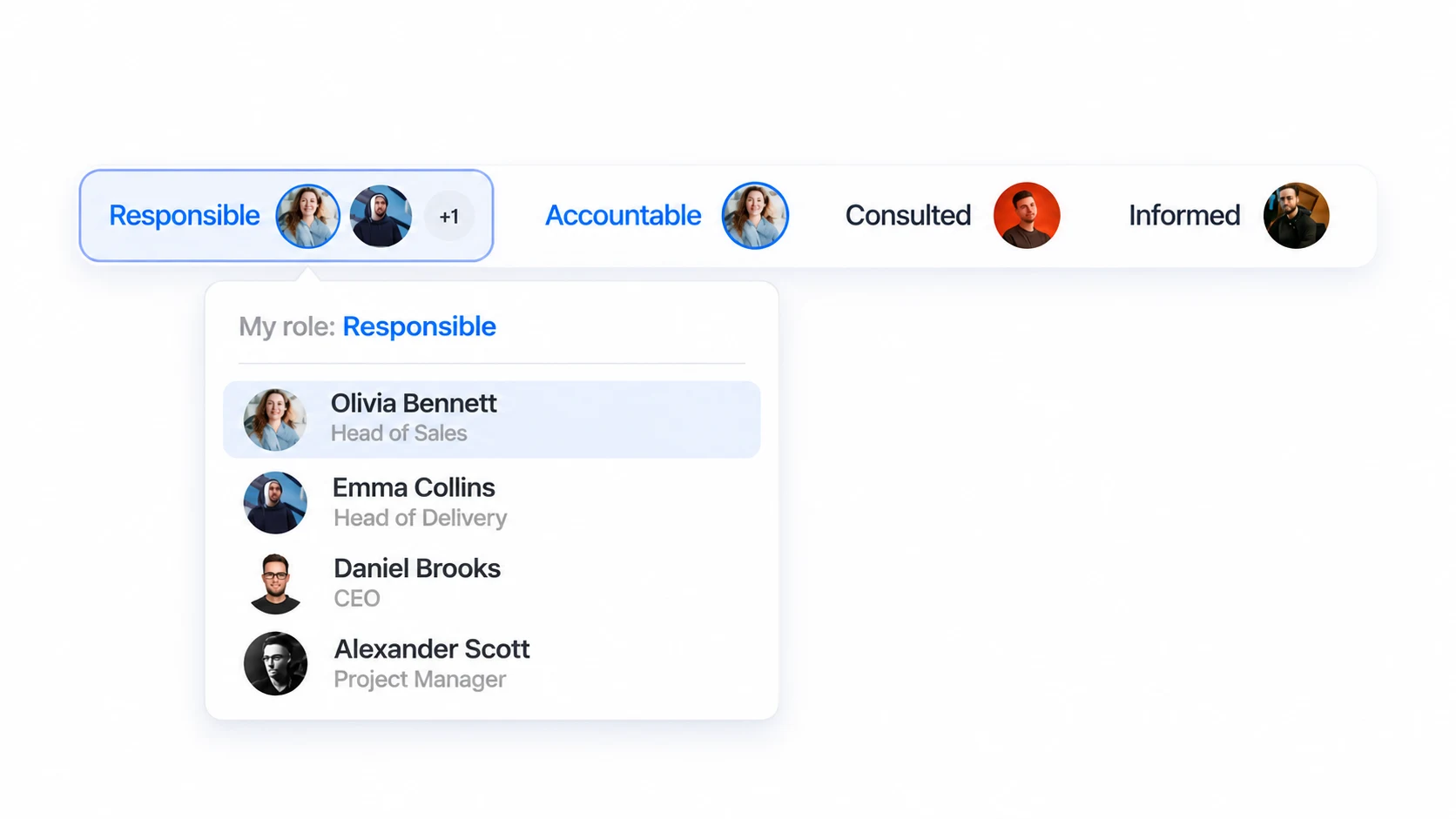
Your RACI role is marked with a blue border around your avatar. Click a role to see everyone in it, with My role shown at the top.
Choosing roles well
- Keep one Accountable person. When two people own a result, nobody does.
- Add Consulted people only when their input changes the outcome.
- Use Informed for people who need to know, so they don't have to ask.